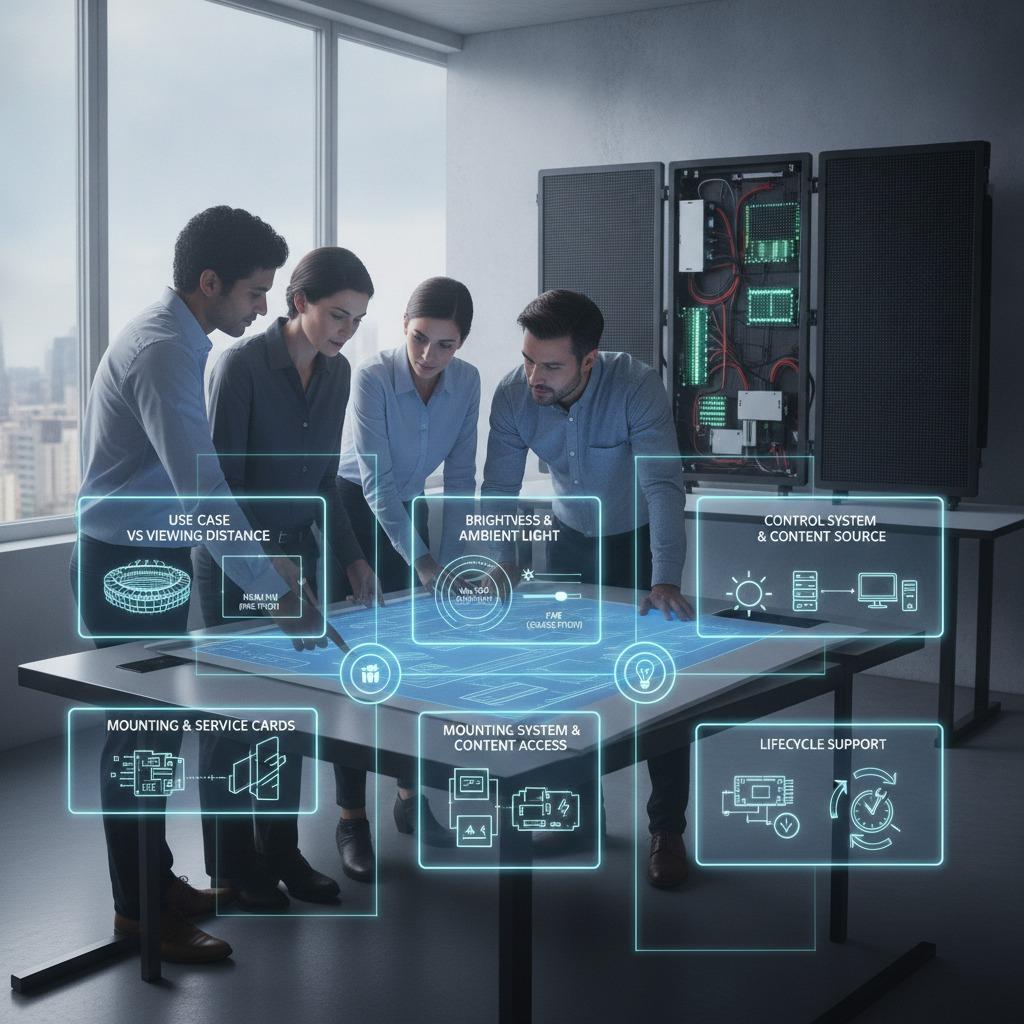

Why LED display content management matters more than the screen itself
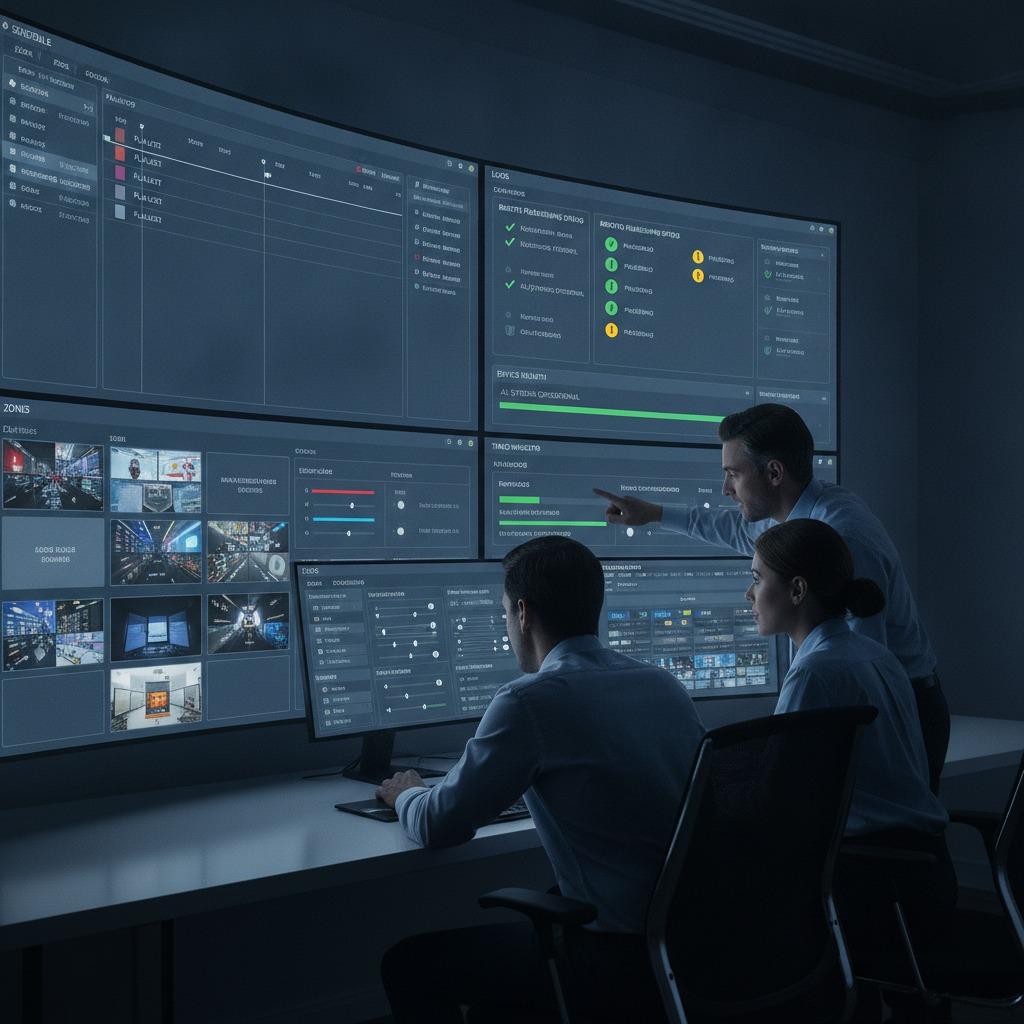
LED display content management is often treated like a software afterthought, but in practice it is what decides whether a display network looks coordinated and useful, or simply expensive. A high-brightness cabinet, a fine pixel pitch, and a stable power supply all matter. Yet if the content cannot be scheduled, updated, monitored, and adapted to the audience, the hardware never delivers its full value.
For engineers, sourcing managers, and product teams, the real question is rarely “Can we mount an LED screen?” It is “Can we keep it relevant, safe, and controllable across one site or fifty?” That is the decision this article helps with. The right system affects labor, uptime, message accuracy, and the practical cost of operating a display fleet over time.
What a good content management setup must handle
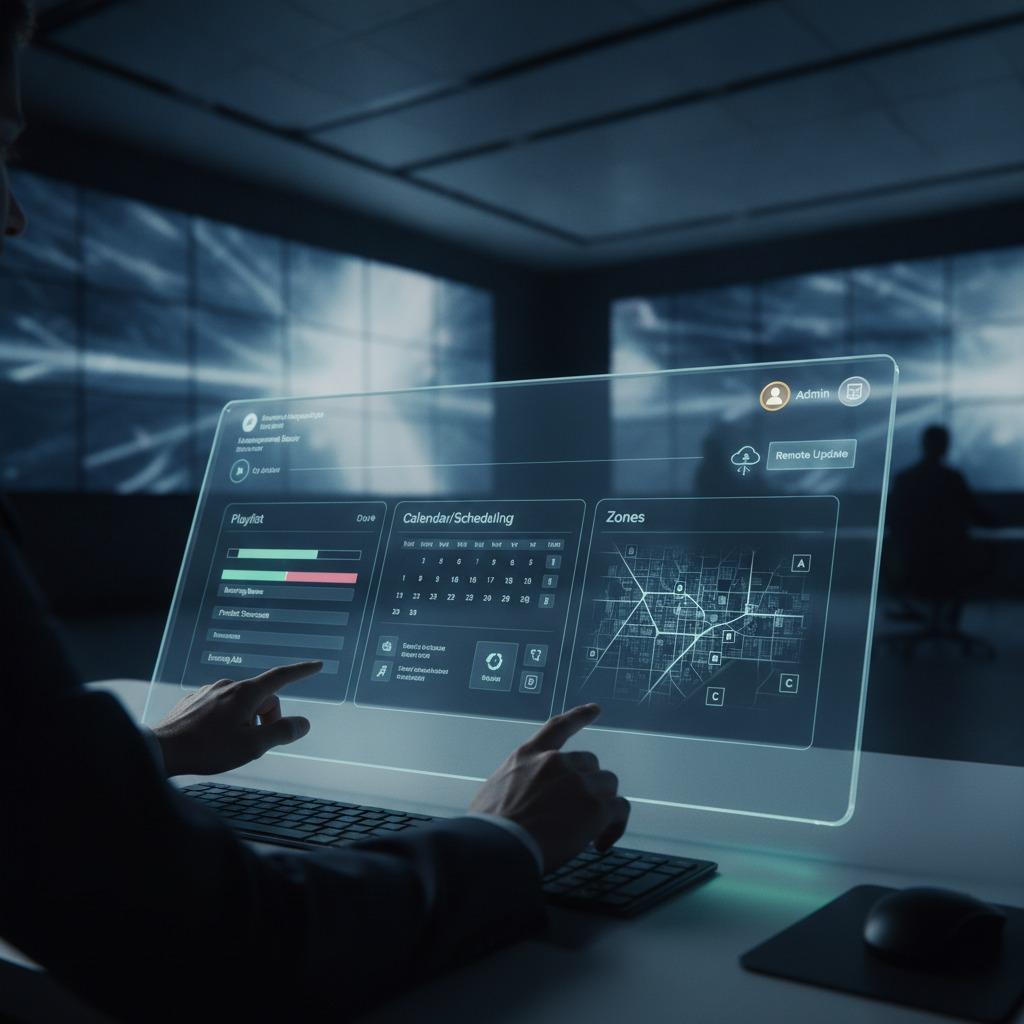
At the simplest level, an LED display content management workflow should let a user prepare media, assign it to one or more screens, and push it on schedule. In the field, though, the requirements tend to expand quickly. Different zones may need different brightness levels, different playlists, or different playback windows. Some installations need dayparting. Others need emergency messaging. Retail, transport, industrial, and corporate environments all use the same broad toolset, but they do not use it the same way.
A practical LED ekran içerik yönetim sistemi usually sits between the content creator and the display controller. It helps translate a marketing file, operational notice, or safety alert into something the LED wall can actually show reliably. That translation step sounds routine until you have to manage aspect ratios, native resolutions, and mixed screen sizes. A display can look crisp one moment and badly cropped the next if the content rules are not controlled.
Core functions buyers should check first
Scheduling and playlist control
This is the backbone. Good scheduling reduces manual work and lowers the chance of an operator pushing the wrong file at the wrong time. For multi-site users, scheduling is also what keeps content consistent across branches while still allowing local variation.
Remote publishing and supervision
LED ekran uzaktan yönetim is now a baseline expectation in many projects, not a premium feature. Remote management helps teams update signage without dispatching technicians for every change. That matters in large buildings, outdoor networks, and distributed retail estates where access can be awkward or costly.
Health monitoring and playback status
A display that is “online” is not necessarily playing the right content. Operators should be able to confirm file status, connection health, and whether a screen has missed a scheduled update. This is especially important for public-facing information where stale content can become a liability.
User permission control
Not every staff member should be able to publish to every screen. Role-based permissions help prevent accidental edits, while still letting local teams manage their own content. In larger organizations, this is not a nice-to-have; it is a control measure.
Selection criteria that actually affect operations
The first mistake many buyers make is judging software only by the interface. A polished dashboard can hide weak device management or awkward workflow limits. A better comparison starts with operational fit.
Compatibility is one obvious point. The software must work with the planned controller architecture and the types of LED modules being used. From there, look at network behavior, update reliability, and whether the system can handle the scale you expect six months from now. Some platforms feel adequate for a single lobby screen but become cumbersome when added to a campus or branch network.
Content handling is another area where the details matter. Can the system manage video, still graphics, ticker-style messaging, and mixed layouts without constant reformatting? Can it support emergency overrides if that is required by the project? Can users preview how content will appear before publishing? These are small questions until they become the root cause of a bad deployment.
A cautious buyer also needs to consider workflow ownership. If the system depends too heavily on one trained operator, it creates a weak point. If it is so open that anyone can edit anything, it creates another. The better platform is the one that matches the client’s real staffing model, not the ideal one drawn in a slide deck.
Common mistakes in LED display operations
One recurring problem is assuming content management ends at upload. In reality, file naming, approval steps, and screen mapping are part of the operating system of the display fleet. Another common miss is ignoring network constraints. Remote control sounds simple until a weak connection delays a critical update.
Buyers also underestimate maintenance of the content library itself. Old files accumulate. Seasonal campaigns stay on the schedule. Emergency templates get buried. A clean structure matters because the display system is only as manageable as the assets behind it.
Practical advice for sourcing and project teams
When reviewing a proposal, ask for a live demonstration that reflects your actual use case. One screen in a demo room tells you very little. Multiple zones, timed playlists, and remote updates tell you much more.
If the project is public-facing, ask how operators will verify successful playback. If the project is multi-site, ask how changes are logged and who can approve them. If the project includes both day-to-day messaging and urgent notices, ask how the system separates routine publishing from override content. Those questions expose weak architectures quickly.
The best results usually come from treating software and screen hardware as one system, not two purchases. That is where the real performance, and the real frustration, lives.
Quick buyer takeaway
If you are evaluating LED display content management, focus on reliability, scheduling, permissions, remote access, and compatibility before interface polish. The screen is only the last link in the chain. The chain itself is what determines whether the display earns its keep.
FAQ
Is LED display content management only for large installations?
No. Even a small installation benefits from scheduling, permission control, and fewer manual updates. The difference is scale, not principle.
Do all LED displays need remote management?
Not always, but many modern projects benefit from it. The value rises quickly when screens are hard to access or spread across multiple locations.
What should be tested before purchase?
Test playlist changes, remote publishing, preview behavior, user access levels, and recovery after a network interruption. Those are the spots where real-world projects usually expose weak software.
Next step
If you are planning a new network or replacing a fragmented setup, define the operating workflow before you lock the hardware. The screen specification matters, but the management layer will decide how useful that screen is next month, not just on installation day.