
What buyers usually mean by the best choice for LED screens
The phrase best choice for LED screens sounds simple, but in practice it depends on where the display will live, how far people stand from it, and what the screen is supposed to do minute by minute. A wall that works for a conference stage will not automatically be the right answer for a storefront, and a screen built for a busy outdoor plaza may be overkill inside a showroom. That is why choosing LED display technology starts with the use case, not with the spec sheet.
For engineers, sourcing managers, and product teams, the real decision is less about finding the brightest or newest option and more about matching performance to the job. A display that looks impressive in a demo can still be a poor fit if it is hard to service, too coarse for the viewing distance, or expensive to run because the content and control workflow were never considered.
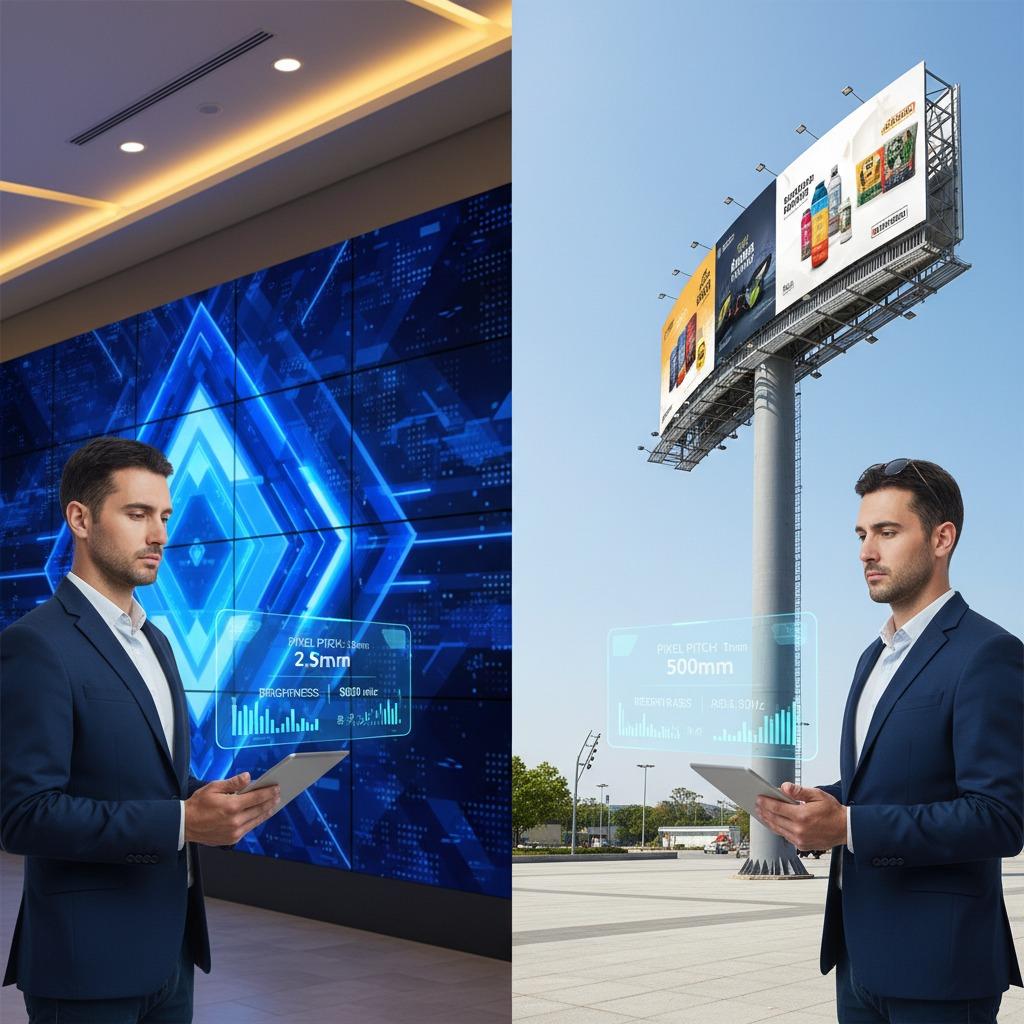
Start with the viewing environment
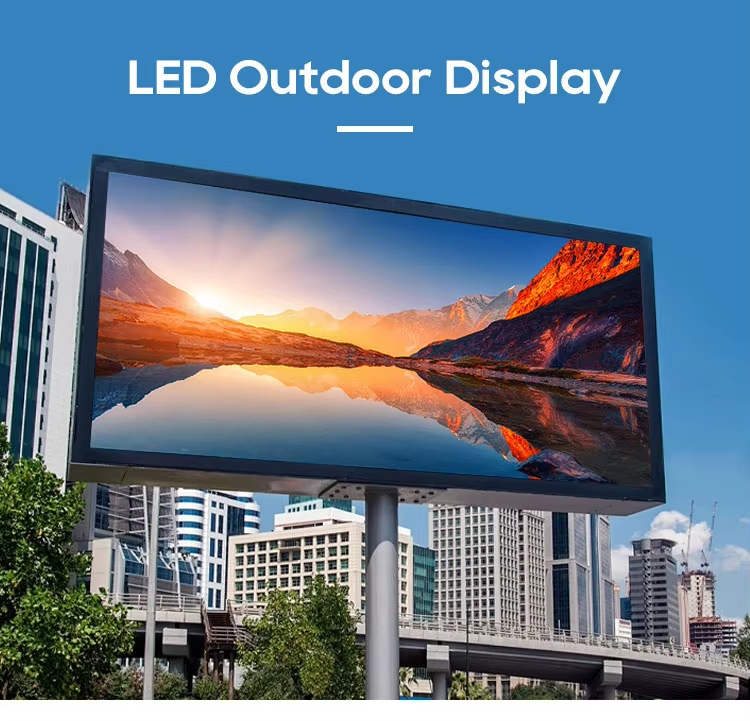
The first question is basic: where will people see it, and from how far away? Indoor spaces generally allow for finer pixel pitch and lower brightness, while outdoor installations need stronger brightness, better weather protection, and a structure that can handle temperature changes and wind loading. That sounds obvious, but many projects still get sized backwards.
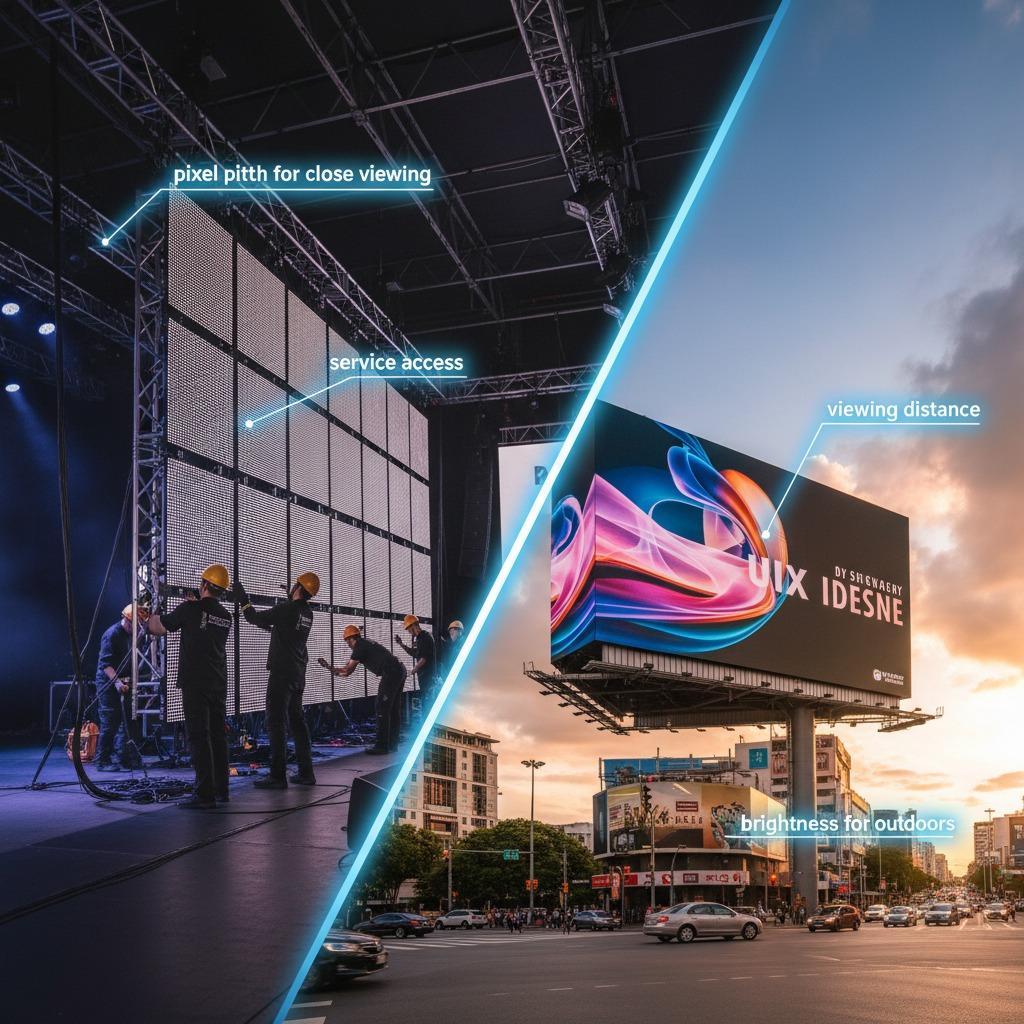
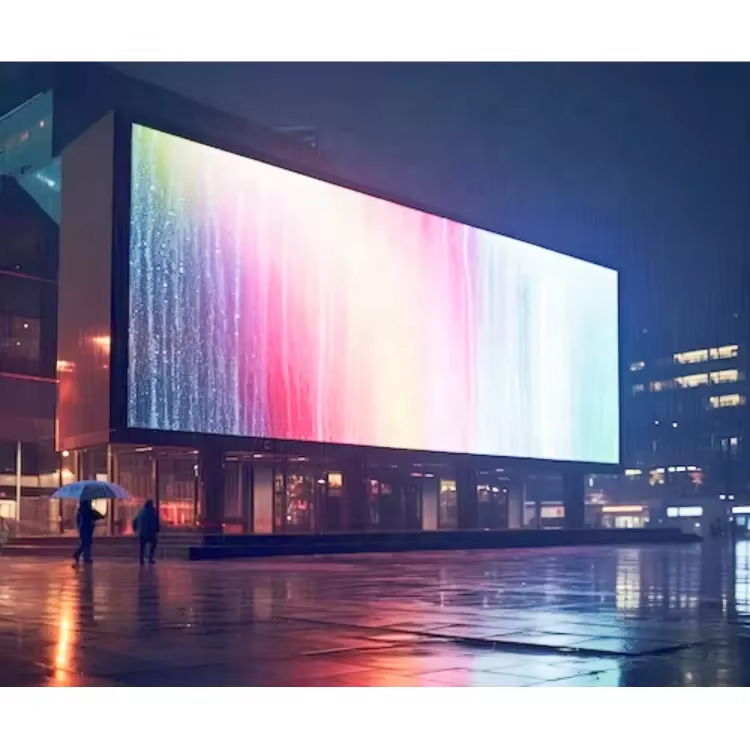
For the best LED display for events, mobility and speed matter almost as much as image quality. Rental teams usually care about fast assembly, reliable signal handling, and panels that can be swapped without derailing a live schedule. For the best LED screen for advertising, on the other hand, uptime and day-to-day visibility often matter more than portability. A storefront screen has to stay readable in changing ambient light, keep content sharp, and survive long operating hours without turning maintenance into a nuisance.
Indoor and outdoor are not minor variants
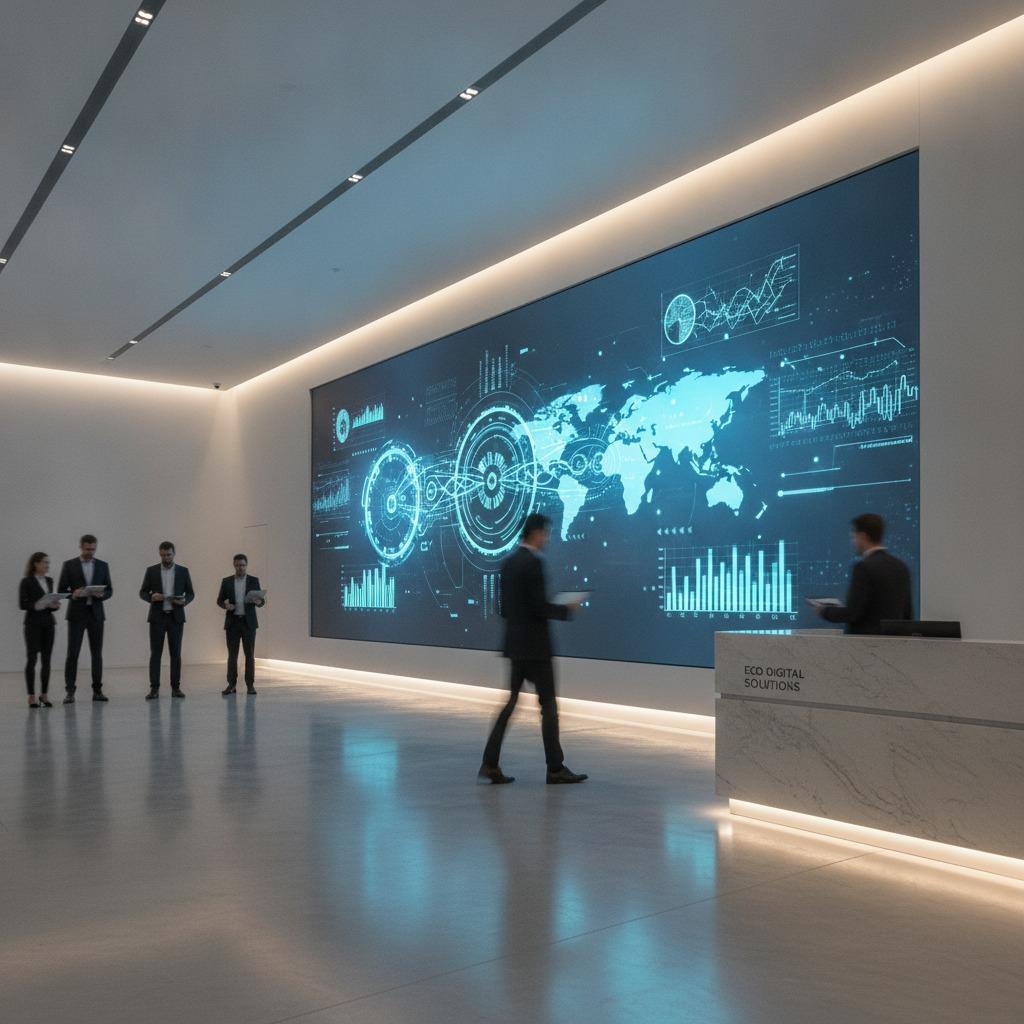
Indoor LED screens are usually chosen for closer viewing distances and controlled light. Outdoor screens are expected to compete with sun, rain, dust, and traffic noise. If a buyer treats those as small differences, the project can drift into trouble fast. A screen that is too dim will disappear in daylight. A screen that is too bright inside can feel harsh and waste power. This is one of those areas where “more” is not always better.
The specifications that actually change the result
Pixel pitch is often the first number buyers compare, and for good reason. It affects how detailed the image looks at a given distance. Smaller pitch usually supports closer viewing, but it also increases cost, so the right answer depends on audience position. If people will stand several meters away, paying for ultra-fine pitch may not improve the experience enough to justify the premium.
Brightness is another useful filter, but it should be read in context. A bright screen in a dim lobby can look aggressive, while the same screen outdoors may be barely adequate. Content type matters too: motion graphics, product video, and text-heavy messages all reveal different strengths and weaknesses. For digital signage, legibility is often more important than sheer intensity.
Refresh rate and control performance are easy to overlook until video cameras, live events, or fast motion enter the picture. Low refresh can create flicker on camera and make an otherwise good display look awkward in recorded content. If the screen will appear in livestreams, stage backdrops, or broadcast environments, this needs attention early.
Cabinet design and service access can be the difference between a manageable asset and a recurring headache. Front-service access is often useful in tight installations, while rear-service systems may work well where there is room behind the wall. Either way, maintenance should be considered before the structure is built, not after.
How buyers narrow the field
When people are choosing LED display options, the best method is to ask a few practical questions in sequence: how far away is the nearest viewer, what kind of content will run most often, how many hours a day will it operate, and who will service it? Those answers usually eliminate more products than a long comparison table.
A useful shortcut is to think in terms of content behavior. Static ads and brand messages place different demands on a display than sports clips, stage visuals, or live data dashboards. If the content is text-heavy, readability should lead the decision. If it is motion-heavy, the signal chain and refresh performance should move up the list. That is the kind of detail that separates a good purchase from one that simply looks impressive on paper.
Common mistakes that waste budget
The most common mistake is buying for the wrong distance. A screen selected only because it is “premium” can be unnecessarily dense and expensive, while a screen chosen only for low price may look coarse the moment a customer stands too close.
Another trap is underestimating content preparation. Even a strong LED display will look poor if the design team uses the wrong aspect ratio, weak contrast, or text that is too small for the audience. The hardware is only one half of the result, and sometimes not even the harder half.
Buyers also forget maintenance. Replacement modules, power supplies, calibration access, and control software should be discussed before purchase. Skipping those questions is a classic procurement shortcut that becomes expensive later.
Practical buyer advice
If the project matters, ask vendors to walk through the installation environment, the intended audience distance, and the content schedule rather than just quoting a screen size. Request examples of how the system is serviced, how content is updated, and what happens if a module fails during operation. Small operational details often tell you more than marketing language does.
It also helps to test real content before approving a full rollout. A beautiful demo loop can hide flaws that become obvious in actual use, especially with logos, fine typography, or fast camera motion. A cautious buyer should always check how the display behaves with the material it will really show.
FAQ
Is the smallest pixel pitch always the best?
No. It is only better when the viewing distance and content justify it. Otherwise, it can add cost without a visible benefit.
What matters more for outdoor screens: brightness or weather protection?
Both matter, but neither should be treated casually. A bright screen that cannot survive the environment is still a bad purchase, and a weatherproof screen that cannot be seen in daylight will not do its job.
Should events and advertising use the same LED screen type?
Sometimes, but not always. Event systems tend to prioritize portability and fast setup, while advertising displays often prioritize uptime, visibility, and easier long-term operation.
Next step
If you are narrowing down the best choice for LED screens, start by writing down the viewing distance, location, operating hours, and content type. Those four inputs will usually point you toward the right class of display faster than comparing every model on the market. Once that is clear, the remaining decision becomes much more manageable.