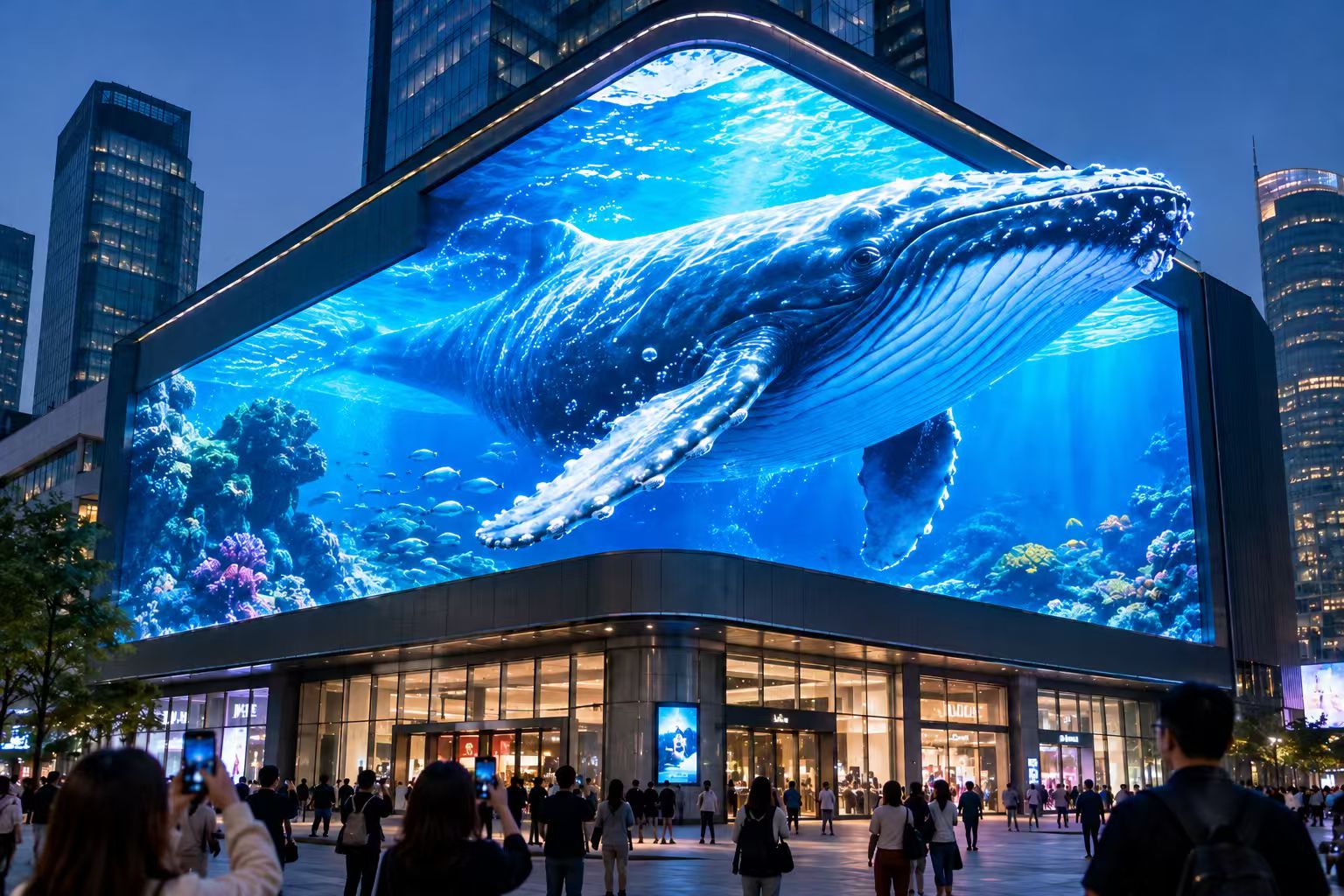

A stage rental LED screen plays an important role in concerts, festivals, corporate events, exhibitions, product launches, and live performances. It displays videos, graphics, live camera feeds, and event information while helping create an engaging visual experience for the audience.
However, choosing the right LED screen involves more than selecting a suitable size or the lowest rental price. Viewing distance, ambient lighting, camera requirements, installation conditions, and event duration all affect the display's performance.
In this guide, we explain eight key factors to consider when choosing a stage rental LED screen, helping event organizers, production companies, and rental providers make a practical decision.
1. Determine the Application and Event Requirements
Before comparing LED screen specifications, define how the screen will be used.
Different events have different visual and operational requirements. A screen for a large outdoor concert, for example, may need higher brightness and a robust weather-resistant design. A screen for a corporate conference may prioritize fine image details, accurate colors, and clear text.
Consider the following factors:
· Event type: Concert, festival, conference, exhibition, wedding, product launch, or sporting event.
· Venue: Indoor hall, outdoor stage, temporary event structure, or open-air venue.
· Audience size: The number of viewers and their distribution across the venue.
· Viewing distance: The distance from the LED screen to the nearest and farthest audience members.
· Content type: Live video, close-up camera feeds, presentation slides, animation, text, or a combination of content.
· Installation period: A one-day event, a multi-day exhibition, or a tour involving repeated installation and dismantling.
These details establish the technical requirements for the screen and help prevent unnecessary spending on specifications that offer little practical benefit.
2. Choose the Right Pixel Pitch
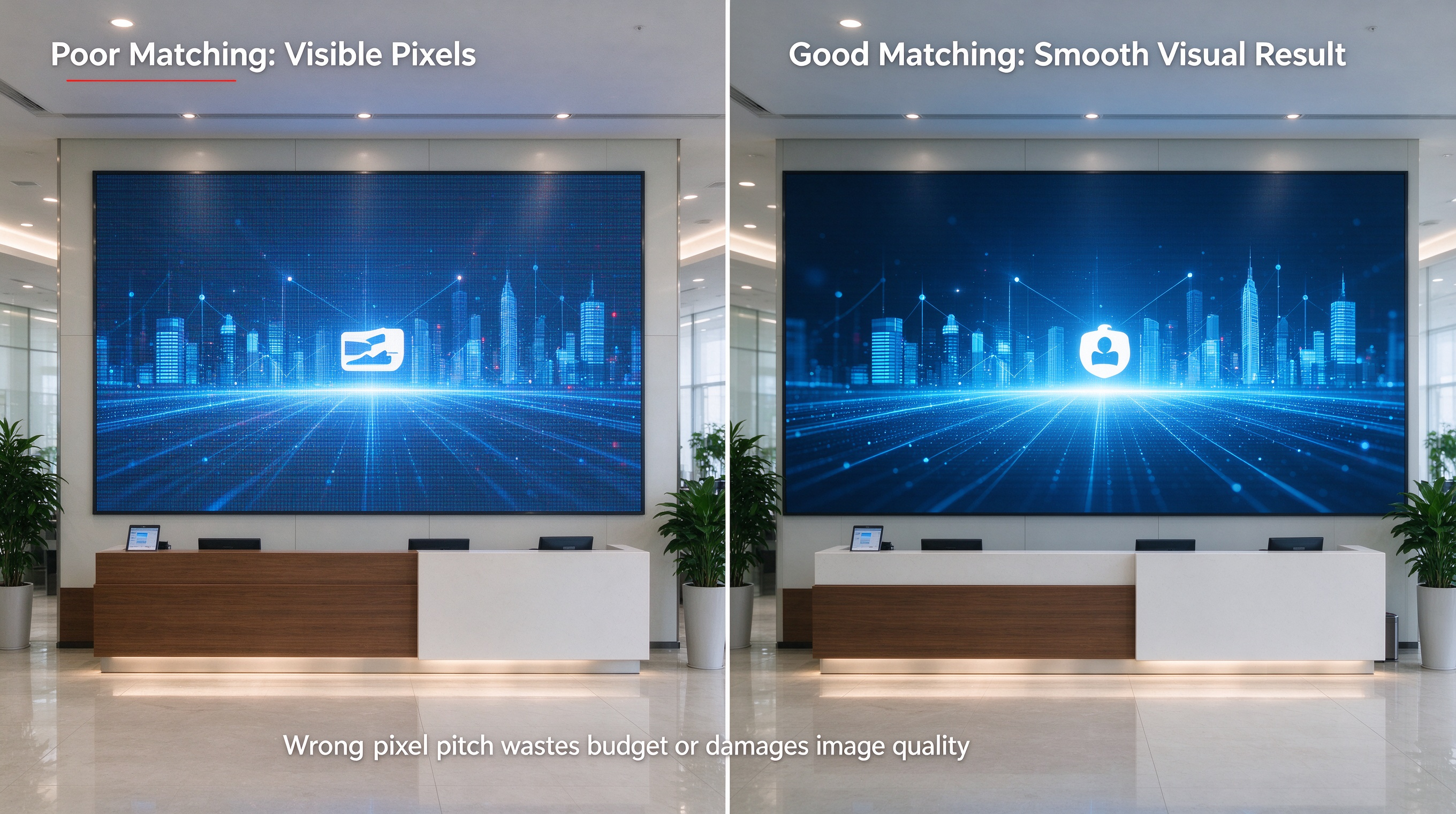
Pixel pitch is one of the most important specifications when selecting a stage rental LED screen. It refers to the distance, measured in millimeters, between the centers of two adjacent pixels.
A smaller pixel pitch means a higher pixel density and can provide a sharper image when viewed at close range. A larger pixel pitch can be appropriate for screens viewed from greater distances and may reduce the overall equipment cost for a given screen size. The right choice depends on the intended viewing conditions, not simply on selecting the smallest available pitch. Source: AVIXA
Common pixel pitch options in rental LED display product lines include 1.9 mm, 2.6 mm, 2.9 mm, 3.9 mm, and 4.8 mm, although availability varies by manufacturer and product series. Source: Absen
How does viewing distance affect pixel pitch?
For an event with audience members seated close to the stage, a finer pixel pitch may be necessary to keep images and text looking clear. For a large outdoor stage where most viewers are farther away, a coarser pitch may be sufficient.
For example:
· Corporate conferences and indoor events: Consider finer pixel pitches when the audience sits close to the display or needs to read detailed text.
· Concerts and medium-sized stages: Select the pitch based on the closest audience positions, screen dimensions, and whether cameras will capture the display.
· Large outdoor festivals: A larger pitch may be suitable when the screen is viewed primarily from a long distance.
These are starting points rather than fixed rules. A screen's physical dimensions, displayed resolution, content, and camera setup can all influence the final decision.
For events involving live broadcasting or close-up camera shots, viewing distance alone is not enough. The LED display should also be tested with the actual cameras and video settings planned for the event.
3. Select the Appropriate Brightness for Indoor or Outdoor Use
Brightness is another critical consideration. It is commonly specified in nits, with higher values indicating greater light output per unit area.
An indoor stage usually has more controlled lighting than an outdoor stage exposed to daylight. An outdoor display may therefore require substantially higher brightness to maintain visibility under strong ambient light.
When comparing rental LED screens, consider the following conditions:
Indoor stage rental LED screens
For indoor events, the display must remain visible without overpowering the stage lighting or making the audience uncomfortable. A screen with controllable brightness can adapt to different scenes, from bright presentations to darker performances.
Outdoor stage rental LED screens
For outdoor events, evaluate expected daylight exposure, screen orientation, surrounding structures, and the time of the performance. A screen facing direct sunlight may require a different specification from one operating after sunset.
Also check whether the display's stated brightness is a maximum figure or a calibrated operating value. Maximum brightness alone does not establish how good the image will look in real event conditions.
Is an outdoor LED screen suitable for indoor use?
It can be, provided its brightness can be adjusted appropriately and its image performance meets the event's requirements. However, outdoor suitability does not automatically mean that a display is the best choice for every indoor application.
Contrast, black levels, color consistency, and low-brightness performance matter alongside maximum brightness.
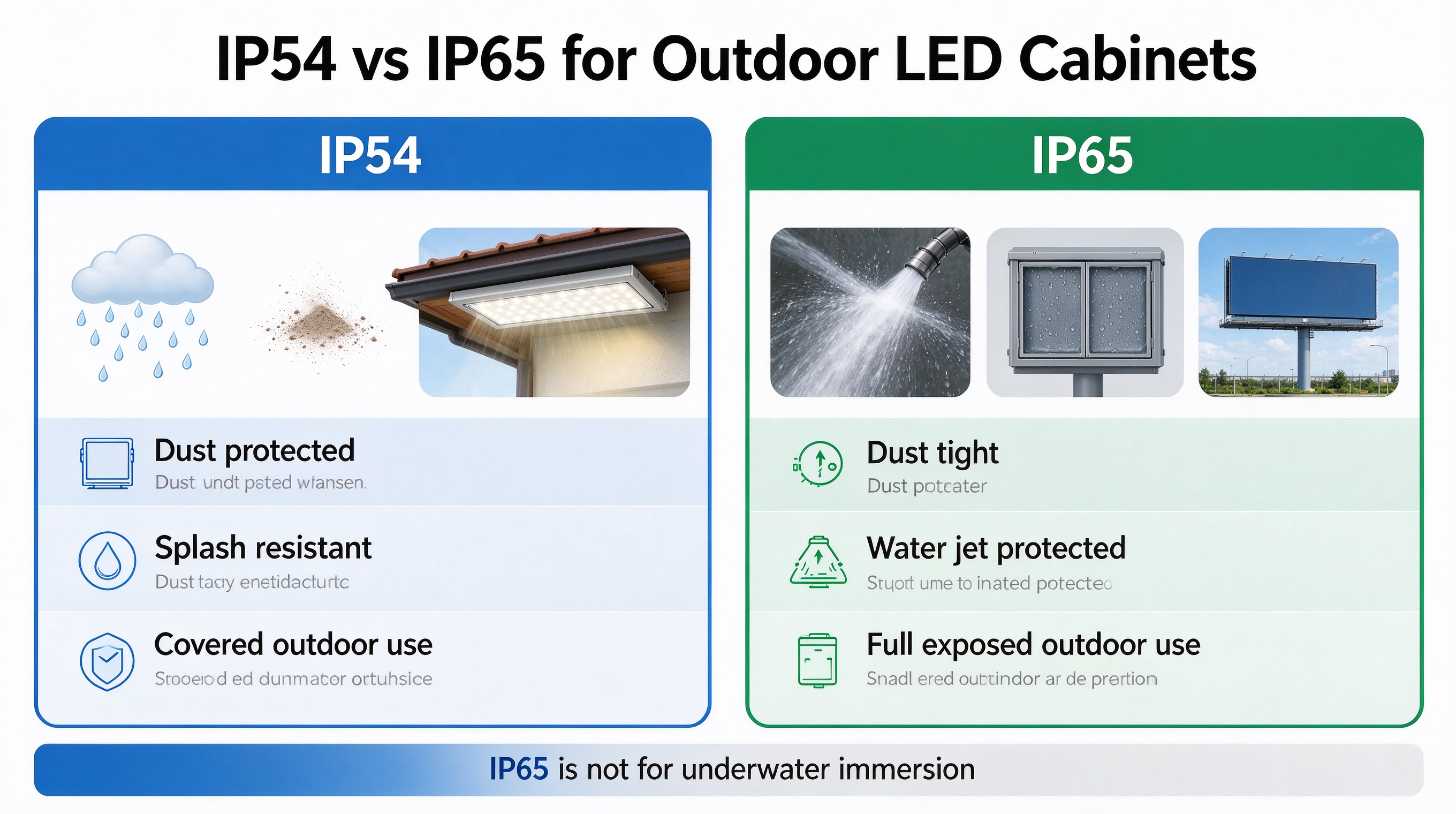
For outdoor events where rain or moisture is possible, check the product's stated IP protection rating for the relevant surfaces and connections, as well as the manufacturer's operating limitations. Do not assume that every outdoor rental display offers the same level of protection.
4. Check Refresh Rate and Camera Performance
If the LED screen will appear in photographs, livestreams, or recorded video, camera compatibility is essential.
One specification to review is the LED screen's refresh rate. This describes how frequently the display refreshes its image, and it is different from the video content's frame rate. Professional rental products may advertise refresh rates such as 3,840 Hz or 7,680 Hz, depending on the design and configuration. Source: ROE Visual
However, a higher advertised refresh rate does not by itself guarantee flicker-free footage. Camera shutter settings, scanning behavior, driver electronics, processing, and the display's operating configuration can affect the result.
Before confirming a screen for a camera-based production, ask the supplier to:
· Confirm the refresh-rate specification and the conditions under which it is achieved.
· Provide information about the display's scan design and compatible processing system.
· Test the screen using the production camera, frame rate, and shutter settings where possible.
· Check for visible flicker, horizontal bands, color shifts, or uneven brightness in recorded footage.
This step is particularly important for concerts, televised events, corporate livestreams, and virtual production environments.
5. Choose the Right Screen Size, Aspect Ratio, and Resolution
The physical dimensions of a stage rental LED screen should suit both the stage design and the content being displayed.
A large screen may provide stronger visual impact, but its dimensions must fit the available stage space and the viewing layout. A screen that is too small may not be visible to distant audience members, while an unnecessarily large screen can increase equipment, transport, power, and installation costs.
Match the screen to the stage design
Review the stage width and height, backdrop arrangement, available rigging points, sightlines, and positions of speakers, lighting fixtures, and scenic elements.
Also decide whether the screen will be a single flat wall, a main screen with side screens, a curved configuration, or a creative arrangement of separate panels. Confirm that the chosen rental cabinet system supports the required configuration.
Confirm the display resolution
Physical screen dimensions and pixel resolution are related but are not the same. Resolution depends on the screen's pixel pitch and its actual pixel dimensions.
For example, a screen measuring 8 m wide and 4.5 m high has an aspect ratio of approximately 16:9. If its pixel pitch is 2.5 mm and the active display dimensions follow that physical ratio, its theoretical pixel dimensions would be approximately 3,200 × 1,800 pixels.
The actual resolution depends on the cabinet dimensions, panel pitch, and final assembly. Always confirm the real pixel canvas with the supplier before preparing content.
Video processors also need to support the required input formats, mapping, scaling, and signal connections. If the content has been designed for a different aspect ratio, the production team may need to adjust the layout to prevent stretching, cropping, or unused areas.
6. Evaluate Cabinet Design, Weight, and Installation Flexibility
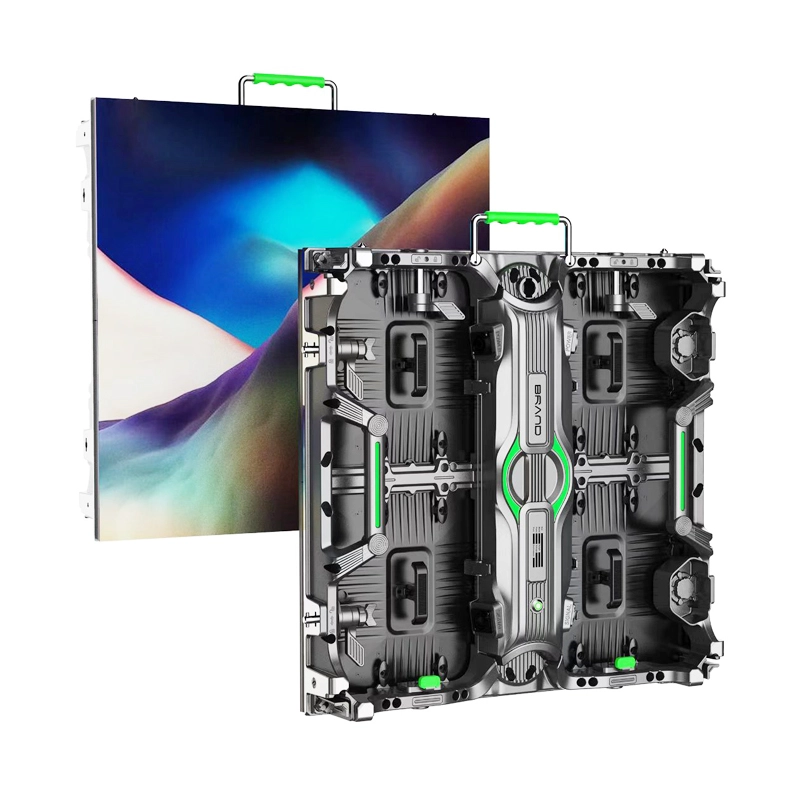
Stage rental LED displays are commonly built from modular cabinets that connect to form a larger screen. Cabinet design directly affects installation speed, transportation, maintenance, and the configurations available for an event.
When evaluating cabinets, consider these factors:
Cabinet dimensions: Standardized dimensions can make screen planning and replacement easier. Check whether the available cabinet sizes can achieve the required screen dimensions without unwanted gaps or excessive unused area.
Cabinet weight: Lighter cabinets can simplify handling and reduce certain transportation and installation demands. Nevertheless, the complete screen assembly, supporting structure, accessories, and rigging arrangement must all be considered when planning loads.
Locking system: Reliable, repeatable locking mechanisms help installers assemble cabinets accurately and efficiently. Check alignment, connection security, and compatibility between all cabinets used in the display.
Front or rear maintenance: The appropriate service method depends on the venue, installation depth, and access behind the screen. Limited backstage space can make front-serviceable modules especially useful.
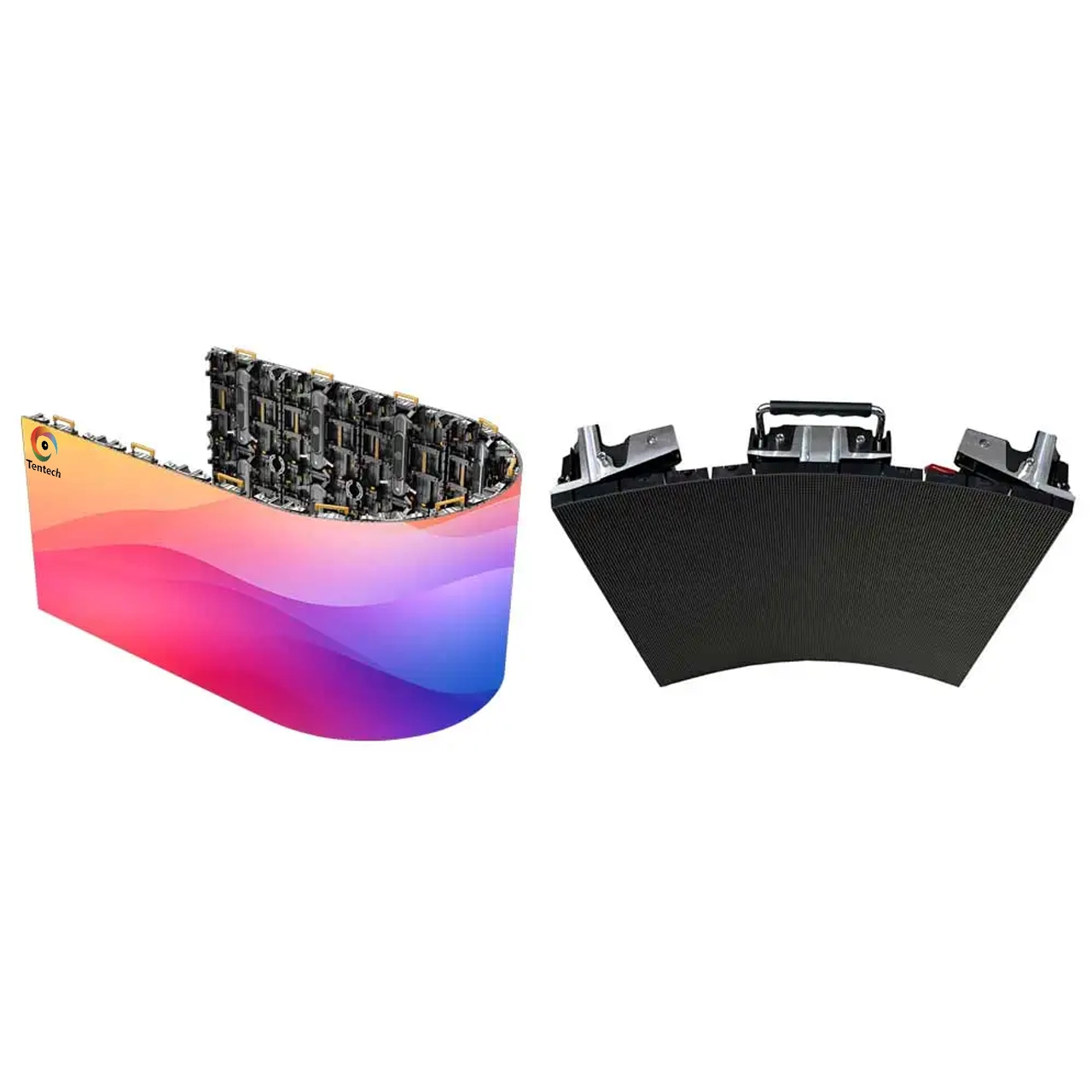
Creative configurations: Some rental systems support concave or convex curves, corner installations, or other non-flat arrangements. Confirm the product's actual permitted angles and mechanical requirements before planning a creative design.
A cabinet system that is quick to install and easy to maintain can be valuable for rental companies and touring productions, where installation time and equipment reliability affect operating costs.
7. Confirm Rigging, Structural Safety, and Event Conditions
A suitable LED display must be safe to install and operate in the intended venue. This is especially important when screens are suspended above performers or audiences.
Start by deciding whether the screen will be ground-supported, stacked, or flown from a truss or another engineered support structure.
For suspended installations, confirm the total installed weight, the supporting structure's capacity, the hoist and rigging requirements, the distribution of loads, and the applicable local regulations. The installation must be designed and checked by appropriately qualified personnel.
Outdoor events require additional attention. Wind exposure, weather changes, uneven ground, water ingress, and access for installation equipment may affect the suitability of the proposed screen configuration.
Before the event, verify:
· The approved installation drawings and load calculations are available where required.
· The screen's weight and support requirements are confirmed.
· Locking devices and required secondary safety measures are installed correctly.
· Power and signal cables are routed and secured to prevent trip hazards or accidental disconnection.
· Weather protection and operating limits are understood by the crew.
· Emergency access and maintenance arrangements remain available.
Do not rely solely on the fact that an LED cabinet is marketed as a rental product. A cabinet's suitability for rental use does not independently establish the safety of the entire rigging or support arrangement.
8. Compare the Total Rental Cost, Not Just the Screen Price
Rental quotations can vary because suppliers include different equipment and services. A low screen-only price may not represent the lowest total project cost.
When comparing quotations, check whether the package includes the following:
· LED cabinets and required spare modules.
· LED video processor and associated control equipment.
· Power distribution, signal cables, and connecting accessories.
· Supporting frames, trusses, or rigging equipment when specified.
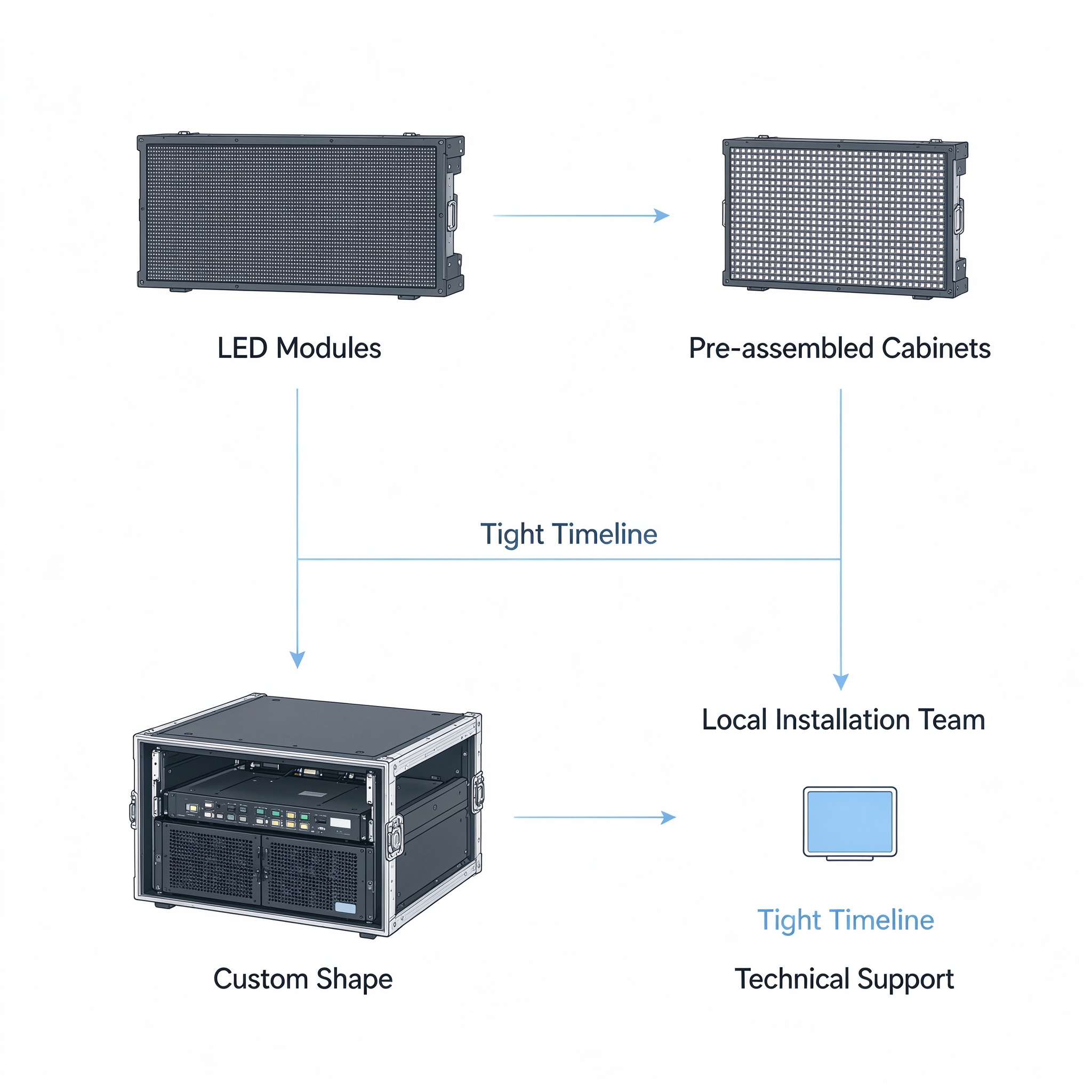
· Transportation, loading, unloading, installation, and dismantling.
· On-site technicians and operational support.
· Testing, calibration, and pre-show checks.
· Backup equipment and procedures for handling technical failures.
Availability is another consideration. A technically suitable LED screen will not help if the required quantity, compatible cabinets, control equipment, or crew cannot be supplied for the event dates.
Ask the supplier to identify any excluded items and confirm who is responsible for installation, operation, maintenance, and troubleshooting. For touring events, also check whether the same screen model and configuration can be supplied consistently across multiple venues.
What Should You Ask a Stage Rental LED Screen Supplier?
Before booking, use the following questions to check whether the proposed equipment matches the project:
1. What pixel pitch do you recommend for our screen size and closest viewing distance, and why?
2. Is the equipment intended for indoor use, outdoor use, or both?
3. What are the calibrated brightness range, refresh-rate specification, and relevant camera-performance limitations?
4. What are the cabinet dimensions, weight, resolution, and supported configurations?
5. Does the proposed processor support our input sources, content resolution, and required screen mapping?
6. What are the rigging, support, power, and environmental requirements?
7. What accessories, technicians, transportation, and installation services are included?
8. What spare equipment and technical support will be available during the event?
The supplier should be able to explain the relationship between the proposed specifications and your actual event requirements, rather than recommending equipment solely on the basis of price or a single specification.
Frequently Asked Questions
What is the best pixel pitch for a stage rental LED screen?
There is no single best pixel pitch for every stage. The appropriate choice depends on the closest viewing distance, screen dimensions, content, camera requirements, and budget. Smaller pitches can improve close-range detail, while larger pitches may be suitable for audiences viewing the screen from farther away.
How bright should a stage rental LED screen be?
The required brightness depends on the venue and ambient lighting. An outdoor screen exposed to daylight generally requires higher brightness than a screen used in a controlled indoor environment. Compare calibrated brightness, contrast, and image performance under the expected operating conditions rather than relying on maximum brightness alone.
What refresh rate should I choose for a stage LED screen?
Choose a display with refresh-rate and camera-performance characteristics appropriate for the production. Events involving cameras should be tested with the actual cameras and settings whenever possible. A high refresh-rate figure is useful information, but it does not guarantee that all camera artifacts will disappear.
Can the same rental LED screen be used for indoor and outdoor events?
Some products are designed for both indoor and outdoor rental applications, but not all rental cabinets are interchangeable across these environments. Confirm brightness control, environmental protection, operating limits, and suitability for the specific venue before using the same equipment for both applications.
Should I rent or buy a stage LED screen?
Renting is often practical for occasional events, changing screen configurations, or projects that require a large amount of equipment for a short period. Purchasing may be worth evaluating for organizations with frequent, predictable demand and the resources to manage storage, transportation, maintenance, and technical staff. The decision should be based on expected utilization and total operating costs.
Conclusion
Choosing the right stage rental LED screen requires a balanced assessment of image quality, viewing distance, brightness, camera performance, screen dimensions, cabinet design, installation safety, and overall project cost.
Start with the event requirements, confirm the physical and technical specifications, and evaluate the complete installation rather than the LED cabinets alone. For camera-based productions, include a practical camera test in the planning process. For suspended or outdoor installations, confirm the structural and environmental requirements with qualified professionals.
By matching the equipment to the venue, audience, content, and production workflow, event organizers can achieve a reliable visual presentation without paying for specifications that the event does not need.
The right rental LED screen is not necessarily the screen with the highest specifications. It is the one that delivers the required image quality, fits the installation conditions, and supports the production reliably within the available budget.