
Module dimensions, pixel resolution, minimum bending radius, mounting methods, and control-system compatibility all influence the final result. A module that performs well on a gentle curve may not be suitable for a tight cylindrical installation.
This guide explains the key specifications of flexible LED display modules and provides practical advice for choosing a solution that fits your project's design, viewing conditions, and budget.
1. What Is a Flexible LED Display Module?
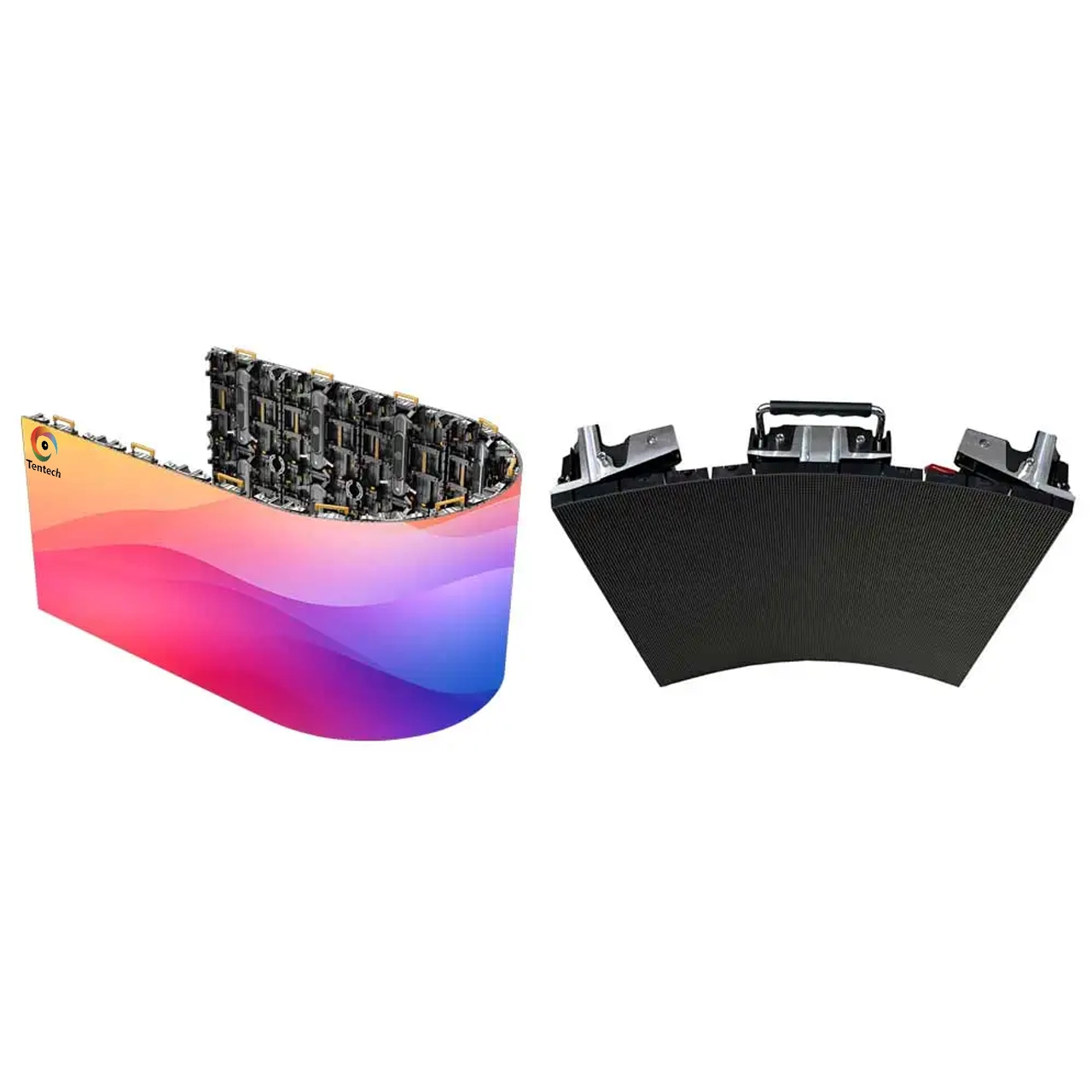
A flexible LED display module is a modular display unit designed to follow selected curved surfaces. It typically incorporates LEDs mounted on a flexible printed circuit board (FPCB), together with a supporting frame or backing material that allows controlled bending.
Multiple modules are assembled on a compatible supporting structure to create a larger display. Depending on the product design, the completed screen may form a concave curve, convex curve, cylinder, wave, or other custom shape.
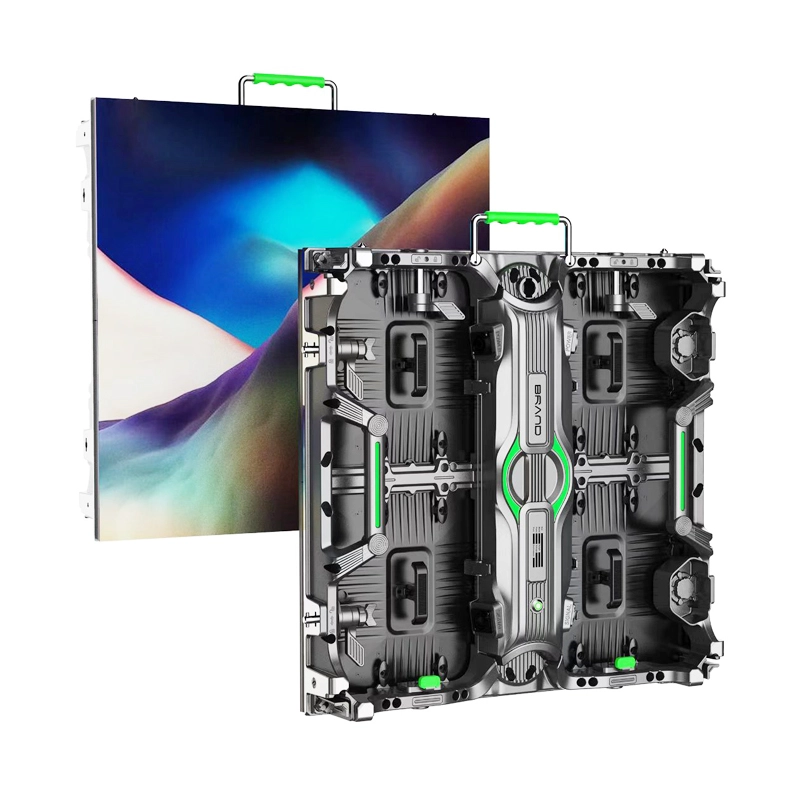
A flexible LED module is different from a complete LED cabinet. The module provides the image-producing surface, while the overall installation also requires a suitable frame, power and signal connections, control equipment, and mounting provisions.
How does a flexible LED module work?
The flexible circuit allows the module to follow a specified curve without requiring every section to be housed inside an individual rigid cabinet. Many indoor products use magnetic attachment to help position modules on a compatible metal frame and allow front access for maintenance.
The actual bending capability depends on the module's construction. Flexible does not mean that the module can be folded freely, twisted in any direction, or bent to any radius.
Before selecting a model, confirm the manufacturer's specified bending direction, minimum radius, permitted concave and convex configurations, and mounting requirements.
2. Key Flexible LED Module Specifications
When comparing flexible LED modules, look beyond the product name and review the complete technical specification.
|
Specification |
What It Means |
Why It Matters |
|
Pixel pitch |
Distance between adjacent pixel centers, measured in millimeters |
Influences pixel density, image detail, and suitable viewing distance |
|
Module size |
Physical width and height of one module |
Determines layout, structural planning, and total screen dimensions |
|
Module resolution |
Number of horizontal and vertical pixels per module |
Helps calculate the screen's total pixel canvas |
|
Bending radius |
Minimum permitted radius for a specified curve |
Determines whether the module can fit the intended structure |
|
Brightness |
Light output, commonly specified in nits or cd/m² |
Affects visibility under the installation's ambient lighting |
|
Refresh rate |
How frequently the display refreshes its image |
Relevant to motion rendering and camera-based applications |
|
LED package |
For example, SMD or COB, depending on the product |
Influences surface construction, protection, and maintenance considerations |
|
Maintenance method |
Front or rear access, depending on the design |
Affects service space and module replacement procedures |
|
Protection rating |
A stated IP rating where applicable |
Helps establish suitability for specified dust and water exposure |
Specifications vary across product series. Compare complete model datasheets rather than assuming that two modules with the same pixel pitch have identical brightness, refresh rate, or bending performance.
3. How to Choose the Right Pixel Pitch
Pixel pitch is one of the first specifications to consider when purchasing a flexible LED display. It is the center-to-center distance between adjacent pixels, measured in millimeters. A smaller pitch provides a higher pixel density for a given screen area, helping preserve detail at closer viewing distances. AVIXA's guide to pixel pitch
Flexible LED product ranges may include options such as P0.9, P1.25, P1.5, P1.875, P2, P2.5, P3, P4, and P5. Availability depends on the manufacturer's product family.
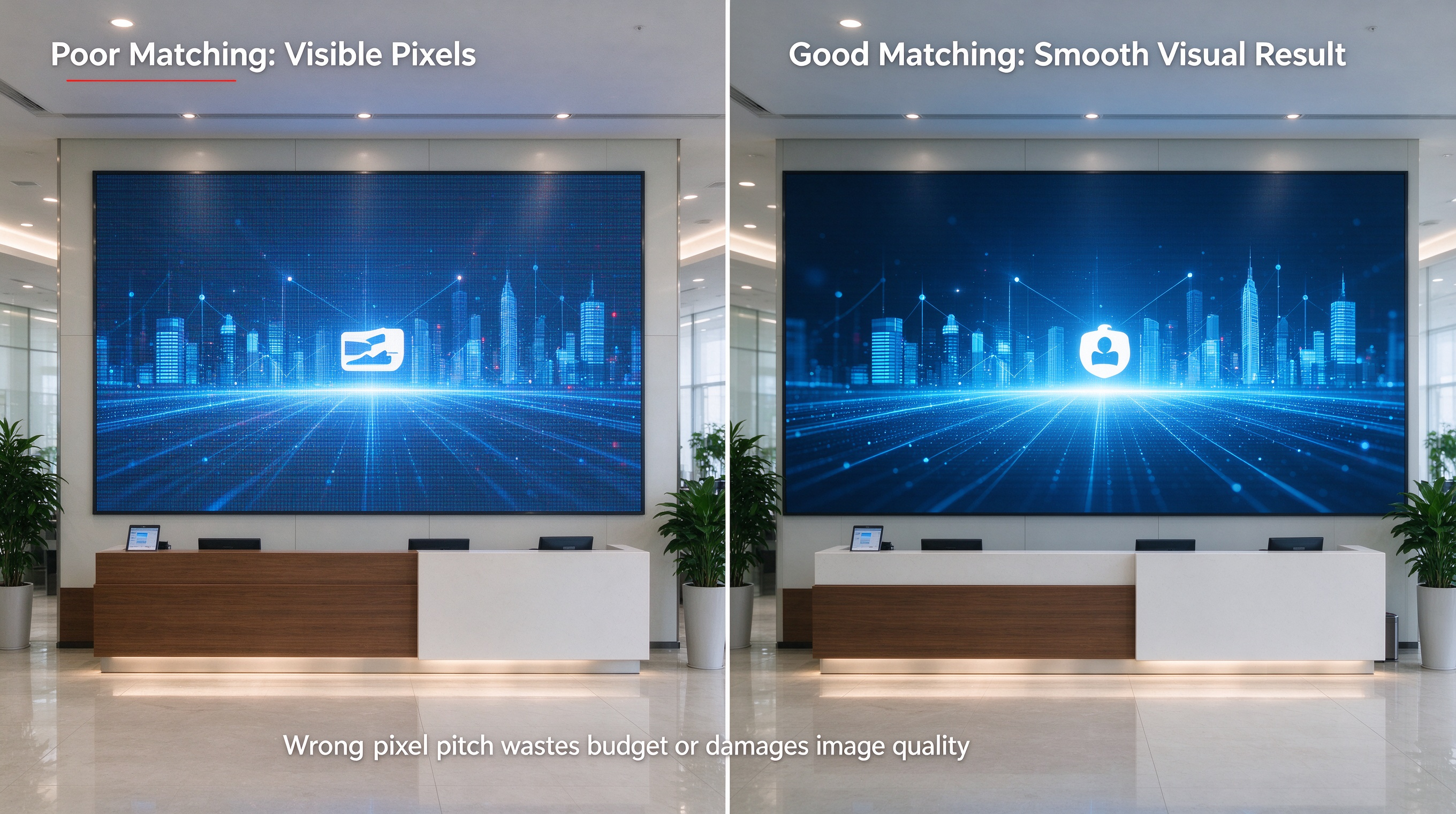
Match pixel pitch to viewing distance
A display in a corporate lobby may be viewed from only a few meters away, while a large decorative screen in an exhibition hall may be seen from farther away. These situations can justify different pixel pitches.
Consider the following general guidance:
· Close viewing: Fine-pitch modules can provide better detail for text, graphics, and high-resolution content.
· Medium viewing distance: Mid-range pitches may offer a practical balance between image quality and cost.
· Longer viewing distance: Larger pitches may be sufficient when viewers are farther from the display and the content does not require extremely fine detail.
These categories are starting points, not fixed engineering rules. The final choice should account for the nearest viewer, screen dimensions, content, and budget. Testing representative content at the intended viewing distance is preferable to selecting a pitch by rule of thumb alone.
Does a smaller pixel pitch always mean a better choice?
No. Finer pitch increases pixel density but can also increase module cost and the total cost of achieving a particular display resolution.
If the audience views the screen from several meters away, a finer pitch may provide limited visible improvement compared with a more cost-effective alternative. The goal is to achieve the required image quality at the actual viewing distance, not necessarily to select the smallest pitch available.
4. Module Size and Resolution: How Do They Affect Screen Design?
Module size determines the physical dimensions of each unit, while module resolution specifies how many pixels are contained within it.
These two specifications must be considered together when planning the final display.
For a regular pixel grid, the approximate relationship is:
Pixels per dimension = Module dimension ÷ Pixel pitch
For example, a module measuring 320 × 160 mm with a 2 mm pixel pitch has a nominal resolution of 160 × 80 pixels.
Here are three illustrative configurations:
|
Module Size |
Pixel Pitch |
Nominal Resolution |
|
320 × 160 mm |
P1.25 |
256 × 128 pixels |
|
320 × 160 mm |
P2 |
160 × 80 pixels |
|
320 × 160 mm |
P2.5 |
128 × 64 pixels |
These examples illustrate the relationship between physical size, pixel pitch, and resolution. Always confirm the actual module specification for the model being quoted.
Why does module size matter for curved installations?
The module's dimensions influence how the display fits the supporting structure and how many modules are required to complete the intended shape.
For example, a cylindrical display requires the module layout to work with the circumference of the supporting frame. The selected module size, usable pixel layout, and permitted curvature all affect how the screen can be assembled.
Before ordering, confirm:
· The module dimensions and resolution.
· The intended screen width, height, or circumference.
· How many modules are required in each row and column.
· The resulting total pixel resolution.
· Whether the proposed layout can achieve the required dimensions without unsuitable gaps or unsupported modifications.
These checks are especially important for custom-shaped projects, where a small mismatch in module layout can affect both physical assembly and content mapping.
5. Understand the Bending Radius and Direction
Bending radius is one of the most important specifications for a flexible LED display. It defines the curvature the module is designed to tolerate.
A smaller radius represents a tighter curve. A larger radius represents a gentler curve.
However, the minimum permitted radius is model-specific. It should not be assumed to be the same for every flexible module, even when the modules have similar pixel pitches or physical dimensions.
Concave and convex bending
Concave bending curves the display surface inward, often creating an immersive or wraparound viewing area.
Convex bending curves the display outward, making it suitable for applications such as cylindrical columns and rounded exterior surfaces.
Some products support both configurations, while others have specific limits or restrictions. Check the manufacturer's documentation before planning the supporting frame.
What happens if a module is bent too far?
Excessive bending or twisting can place mechanical stress on the flexible circuit, electrical connections, LED components, and supporting materials. Depending on the design and the degree of stress, this may lead to intermittent operation, damaged circuits, dead pixels, or permanent module failure.
To reduce the risk of damage:
· Follow the specified bending direction.
· Respect the model's minimum bending radius.
· Avoid creasing, folding, or twisting the module.
· Confirm whether the permitted radius refers to the inner or outer surface where relevant.
· Test the frame and a small number of modules before completing the full installation.
For custom curved or cylindrical screens, provide the manufacturer with the actual drawing or required diameter rather than simply asking whether a module can bend.
6. Brightness, Refresh Rate, and LED Package
Mechanical flexibility is only one part of display performance. Brightness, refresh rate, and LED package technology should also match the project's requirements.
Brightness
Brightness affects how visible the content is under ambient lighting. Many flexible LED modules are developed primarily for indoor applications, where lighting conditions differ from those of a display exposed to direct sunlight.
For a shopping mall, exhibition booth, stage, or corporate lobby, compare the module's rated brightness with the environment and the intended content. Also consider brightness uniformity and the ability to adjust output when lighting changes.
Do not assume that every flexible LED module is suitable for outdoor installation. For exposed environments, verify the complete display system's environmental protection, sealing, and operating limitations.
Refresh rate
Refresh rate is commonly specified in hertz and indicates how frequently the display refreshes its image. A higher rated refresh rate may be useful for applications involving fast-moving content or camera capture, but it does not guarantee that all camera artifacts will disappear.
If the display will be recorded or livestreamed, test it with the actual camera, frame rate, shutter settings, and processing system wherever possible. Scanning configuration and camera settings can affect the result.
LED package and surface protection
LED package technology can influence the surface structure and maintenance characteristics of a module. SMD and COB, for example, are different approaches to packaging LED components.
Some products also offer additional surface protection. However, a protective coating or encapsulation should not automatically be treated as proof of a particular IP rating. Confirm the tested rating and its scope in the product documentation.
7. Flexible LED Display vs. Rigid LED Display: Which Should You Choose?
Flexible and rigid LED displays serve different installation needs.
|
Factor |
Flexible LED Display |
Rigid LED Display |
|
Surface shape |
Designed for specified curves and creative forms |
Best suited to flat surfaces, with some models supporting angled or curved configurations |
|
Supporting structure |
Often requires a compatible custom frame |
Usually uses a dedicated cabinet or mounting structure |
|
Installation geometry |
Requires careful planning of curvature and module layout |
Often follows standard cabinet dimensions |
|
Maintenance |
Frequently designed for modular front access, depending on the model |
Front or rear maintenance, depending on the cabinet |
|
Typical applications |
Curved walls, columns, waves, and custom shapes |
Flat video walls, billboards, rental screens, and other standard layouts |
|
Main purchasing consideration |
Bending limits and frame compatibility |
Cabinet configuration, mounting method, and required display shape |
Flexible modules can be useful when the screen needs to follow a smooth curve or an irregular structure. However, they are not automatically better or less expensive than rigid displays.
For a large, flat screen, a conventional rigid cabinet system may be more straightforward. For a gentle curve, angled rigid cabinets may also be sufficient, depending on the required appearance and viewing conditions.
The best option is the one that satisfies the physical design, image quality, service access, and budget requirements of the project.
8. Common Applications of Flexible LED Displays
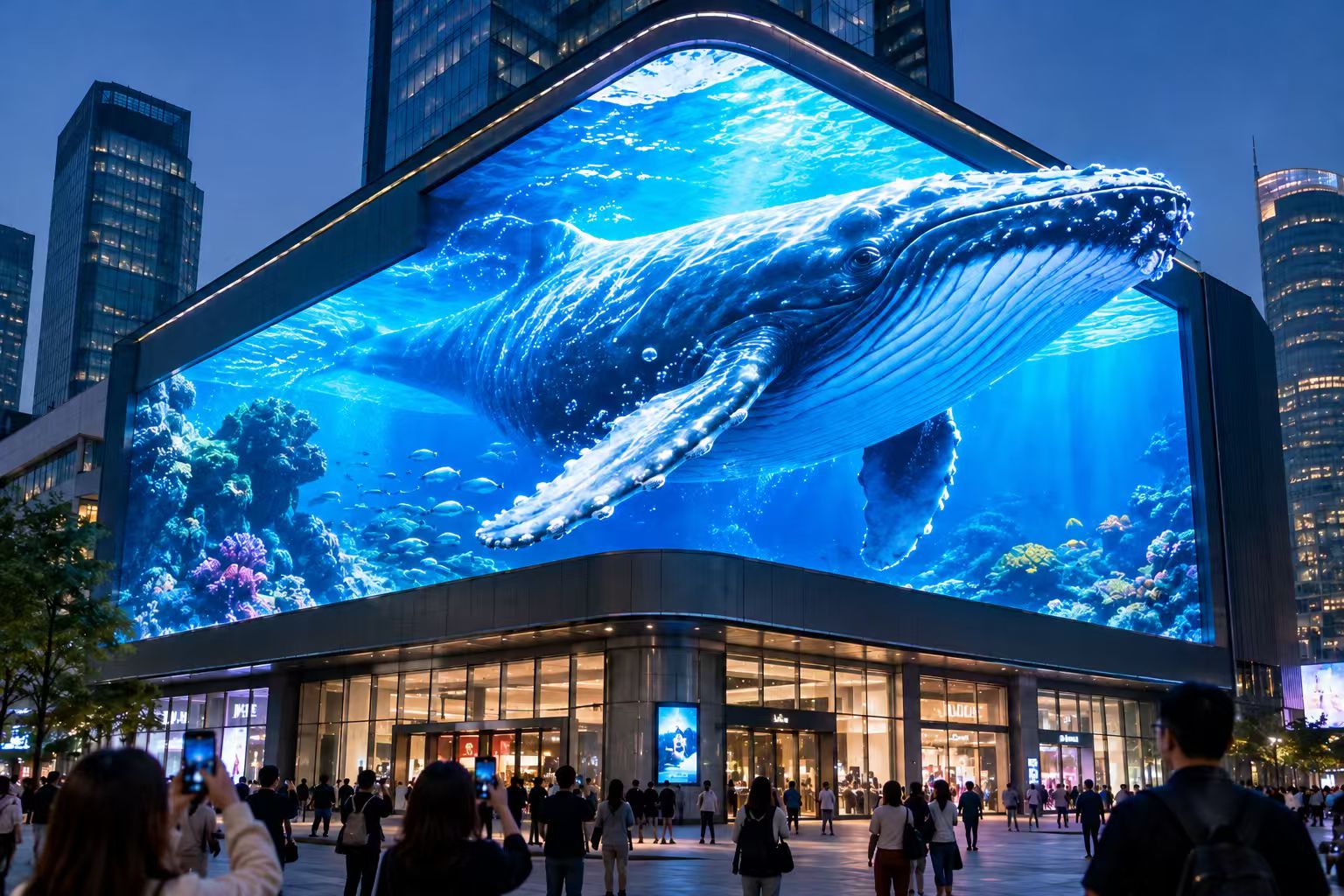
Flexible LED modules make it possible to incorporate moving images into structures that would be difficult to cover with standard flat LED cabinets.
Cylindrical LED displays
Flexible modules can be mounted around a cylindrical frame to create a display column. These installations are often used in shopping malls, exhibition halls, retail environments, and brand activation spaces.
The column diameter, module dimensions, support structure, and content mapping should be confirmed together before production.
Curved LED video walls
Concave and convex displays can create a more integrated visual surface in corporate lobbies, control rooms, stage backdrops, and immersive environments.
For projects where viewers stand close to the display, module alignment and consistent image quality across the curve are particularly important.
Wave-shaped and custom LED displays
Wave-shaped screens combine different sections of concave and convex curvature. Other installations may follow arches, ribbons, or product-inspired forms.
These designs usually require a carefully fabricated supporting structure and content adapted to the final screen geometry.
Exhibition and retail installations
Flexible displays allow exhibition designers and retailers to integrate digital content with curved counters, product displays, architectural columns, and feature walls.
When the screen is part of a custom structure, coordination between the display supplier, structure fabricator, and content-production team can reduce the need for adjustments during installation.
9. How to Buy the Right Flexible LED Display Module
Choosing a flexible LED display begins with defining the installation requirements. The following steps can help buyers compare products and suppliers more systematically.
Step 1: Define the screen shape and dimensions
Decide whether the display will be a concave wall, convex surface, cylindrical column, wave, or another custom form.
Provide the required width and height or, for a cylinder, the diameter and display height. For more complex geometries, supply a drawing or three-dimensional design file.
Step 2: Confirm viewing distance and pixel pitch
Identify the closest audience position and the type of content to be shown. Use these details to determine the pixel density required for an acceptable viewing experience.
Step 3: Check the minimum bending radius
Compare the intended curve with the manufacturer's permitted bending radius and direction. Confirm the specific model's mechanical limits before finalizing the structure.
Step 4: Verify module resolution and total pixel canvas
Calculate the number of modules required and determine the resulting resolution. Then check whether the video processor and playback equipment can support the complete display mapping.
Step 5: Confirm brightness and the operating environment
Establish whether the display will be used indoors, in a protected area, or in an exposed outdoor environment. Review brightness, protection ratings, operating limits, and maintenance access as applicable.
Step 6: Review the supporting frame and installation method
Confirm the frame's shape, mounting dimensions, alignment tolerances, cable routing, and maintenance access. Check whether magnetic attachment is supported and whether additional mechanical fixing is required.
Step 7: Compare the complete project cost
Request an itemized quotation that identifies the modules, frame, control equipment, power supplies, signal distribution, shipping, installation support, and after-sales service included in the proposal.
Comparing quotations on the same basis makes it easier to identify differences in product specifications and project scope.
10. What Information Should You Send to a Flexible LED Display Supplier?
A detailed request helps the supplier recommend a suitable module and prepare a more accurate quotation.
Prepare the following information:
1. Screen dimensions: Required width and height, or column diameter and height.
2. Screen geometry: Concave, convex, cylindrical, wave-shaped, or another custom design.
3. Viewing distance: The nearest audience position and any relevant camera locations.
4. Installation environment: Indoor or outdoor, ambient lighting, and relevant environmental exposure.
5. Image requirements: Content type, target resolution, and any camera or livestreaming requirements.
6. Installation details: Frame drawings, available mounting depth, and maintenance access.
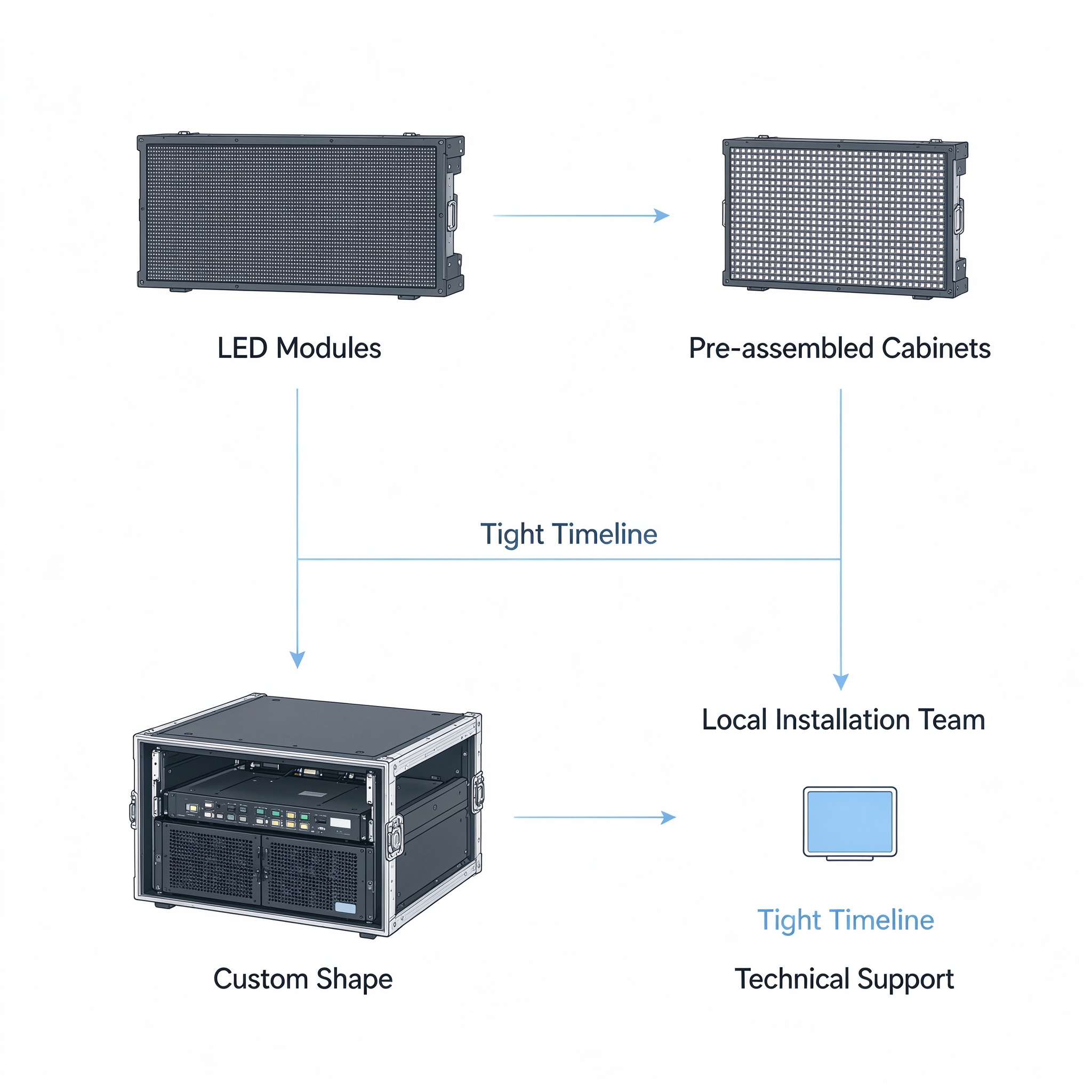
7. Project scope: Whether the requirement is for modules only or a complete display solution with structural and control equipment.
If the frame has not yet been designed, provide the intended geometry and discuss the constraints with the supplier before fabrication. This helps ensure that the module's permitted curvature matches the proposed structure.
Frequently Asked Questions
What pixel pitch is best for a flexible LED display?
The appropriate pitch depends on the closest viewing distance, screen dimensions, content, and budget. Finer pitches are useful when detailed images must remain clear at close range, while larger pitches may be sufficient when the audience is farther away.
Can flexible LED modules be used outdoors?
Some products are designed for outdoor applications, but many flexible LED modules are primarily intended for indoor use. Check the complete product's stated IP rating, weather protection, operating limits, and installation requirements before selecting it for an exposed environment.
Can a flexible LED display form a complete circle?
Some flexible modules can be arranged around a circular frame to create a cylindrical display. Whether a complete circle is feasible depends on the module's permitted curvature, the planned diameter, physical layout, frame design, and content mapping.
Does a flexible LED module need a supporting frame?
Most flexible LED installations require a compatible supporting structure to maintain the intended shape, alignment, and stability. The frame should match the specified curvature and provide appropriate support for the completed display.
Is flexible LED the same as flexible OLED?
No. Flexible LED displays generally use modular LED display boards designed for large-format commercial installations. Flexible OLED displays use organic light-emitting materials and are commonly associated with products such as flexible televisions, phones, and other consumer devices. The technologies differ in construction and application.
How much does a flexible LED display module cost?
There is no single price that applies to all modules. Cost depends on pixel pitch, module dimensions, LED package, brightness, refresh rate, protection requirements, order quantity, and customization. A complete project may also include the supporting frame, processing equipment, installation, shipping, and technical support.
Conclusion
Choosing the right flexible LED display module requires a balance between image quality, mechanical flexibility, installation conditions, and total project cost.
Start by defining the desired screen shape and viewing distance. Then compare pixel pitch, module dimensions, resolution, bending radius, brightness, refresh rate, and mounting requirements. Finally, confirm that the selected modules, supporting structure, and control system are compatible with the complete design.
A well-specified flexible LED display is not simply a module that can bend. It is a coordinated system in which the display surface, mechanical structure, image mapping, and installation method work together to deliver the intended result.